
Skip to content
PortalPBX

Add-on module · Cloud PBX

Voice broadcasting

An add-on module for your cloud PBX: voice campaigns with recorded audio or text-to-speech, keypad options, transfer to extensions and reports. Standard or custom.

  • Adds to your PBX
  • Standard or custom
  • Support in Spanish
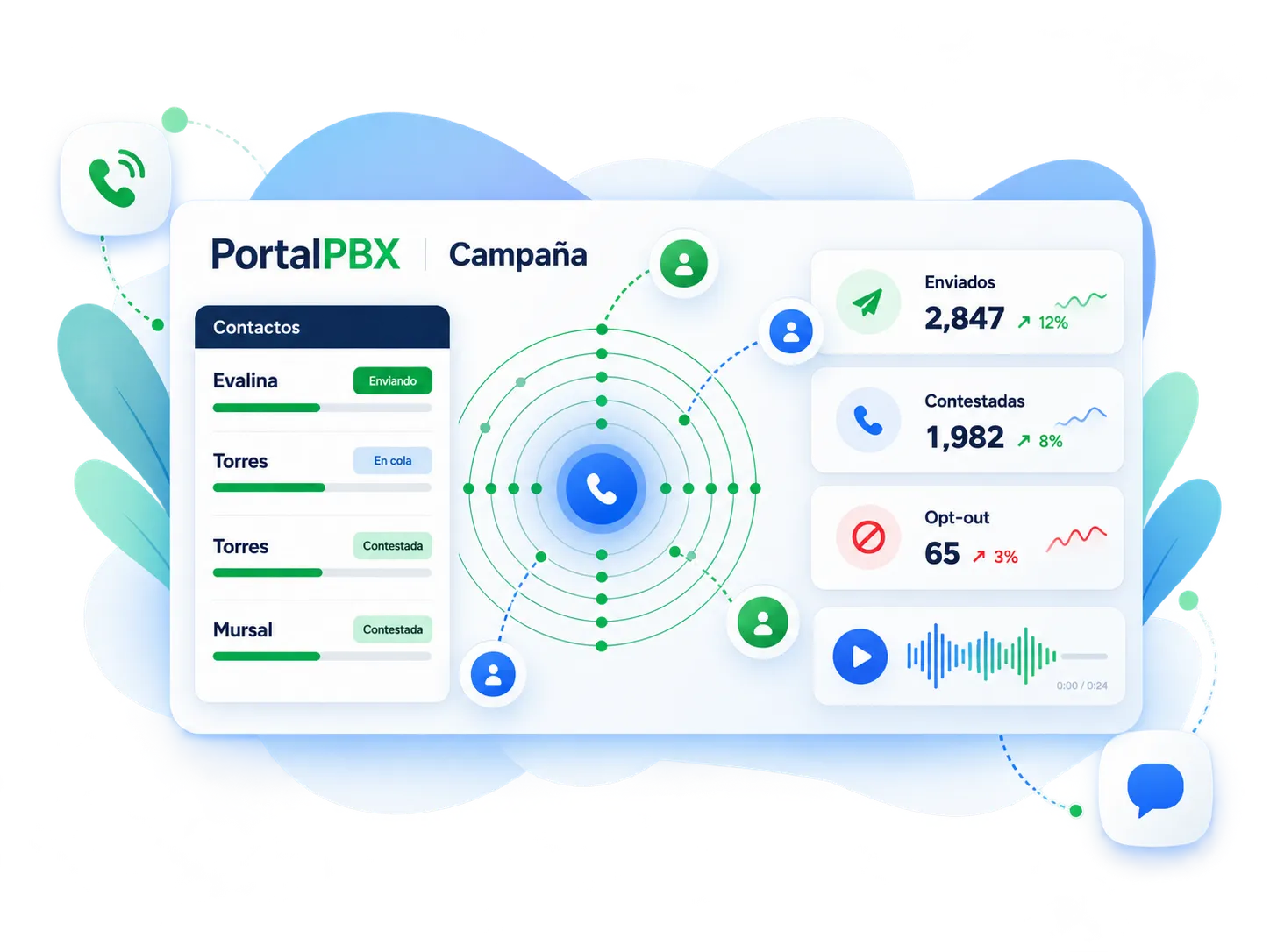
Voice broadcasting campaign view in PortalPBX
Illustrative module screens — not client data.
  • A module of your PBX

    Activated on your PortalPBX cloud PBX.

  • Recorded audio or generated voice

    Upload your recording or use text-to-speech.

  • Press 1 to talk to someone

    Transfer to an extension, queue or IVR.

  • Per-campaign reports

    Answered, unanswered and keys pressed.

What it is

A voice module that adds to your PBX

Voice broadcasting automatically calls a contact list and plays a recorded or generated message. Whoever answers can press an option —for example, 1— and reach an extension on your PBX. It is contracted as an add-on module to the PortalPBX cloud PBX, with your same numbers, extensions and reports.

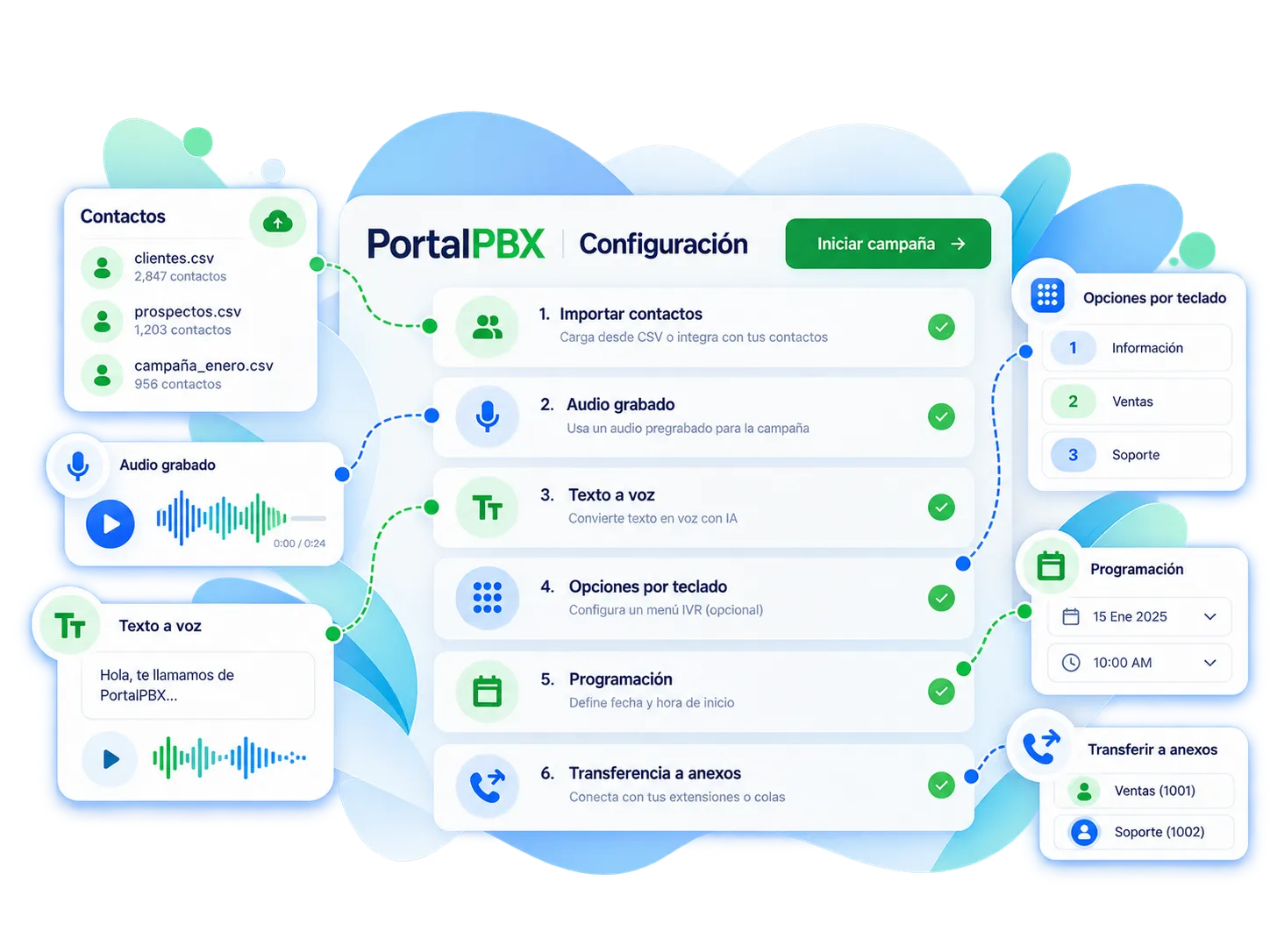
  • Import contacts and create the campaign
  • Recorded audio or text-to-speech
  • Keypad options (IVR)
  • Scheduling and transfer to extensions or queues
Voice broadcasting campaign setup in PortalPBX
Illustrative module screens — not client data.

Use cases

What do companies use it for?

  • Marketing campaigns

    Promotions, launches and events to contacts who opted in; press 1 for an agent.

  • Collections

    Due-date notices and payment reminders with the option to transfer to your collections team.

  • Appointment reminders

    Clinics, workshops and services: press 1 to confirm, 2 to reschedule.

  • Voice OTP codes

    Two-step verification codes read out by phone, triggered from your system via API (custom).

What's included

Module features

Everything you need to launch, control and measure voice campaigns from your PBX.

  • Lists and campaigns

    Upload contacts (CSV or API), create campaigns and reuse authorized lists.

  • Audio or text-to-speech

    Use your own recording or a message generated from text, with variables such as name or date.

  • Schedules and pacing

    Calling windows, allowed days, concurrent calls and configurable retries.

  • Keypad options

    “Press 1 to speak with an agent”: transfer to an extension, queue, IVR or external number.

  • Do-not-call list

    Keypad opt-out and a do-not-call list honored in every campaign.

  • Reports and export

    Result per number, keys pressed and export to your CRM.

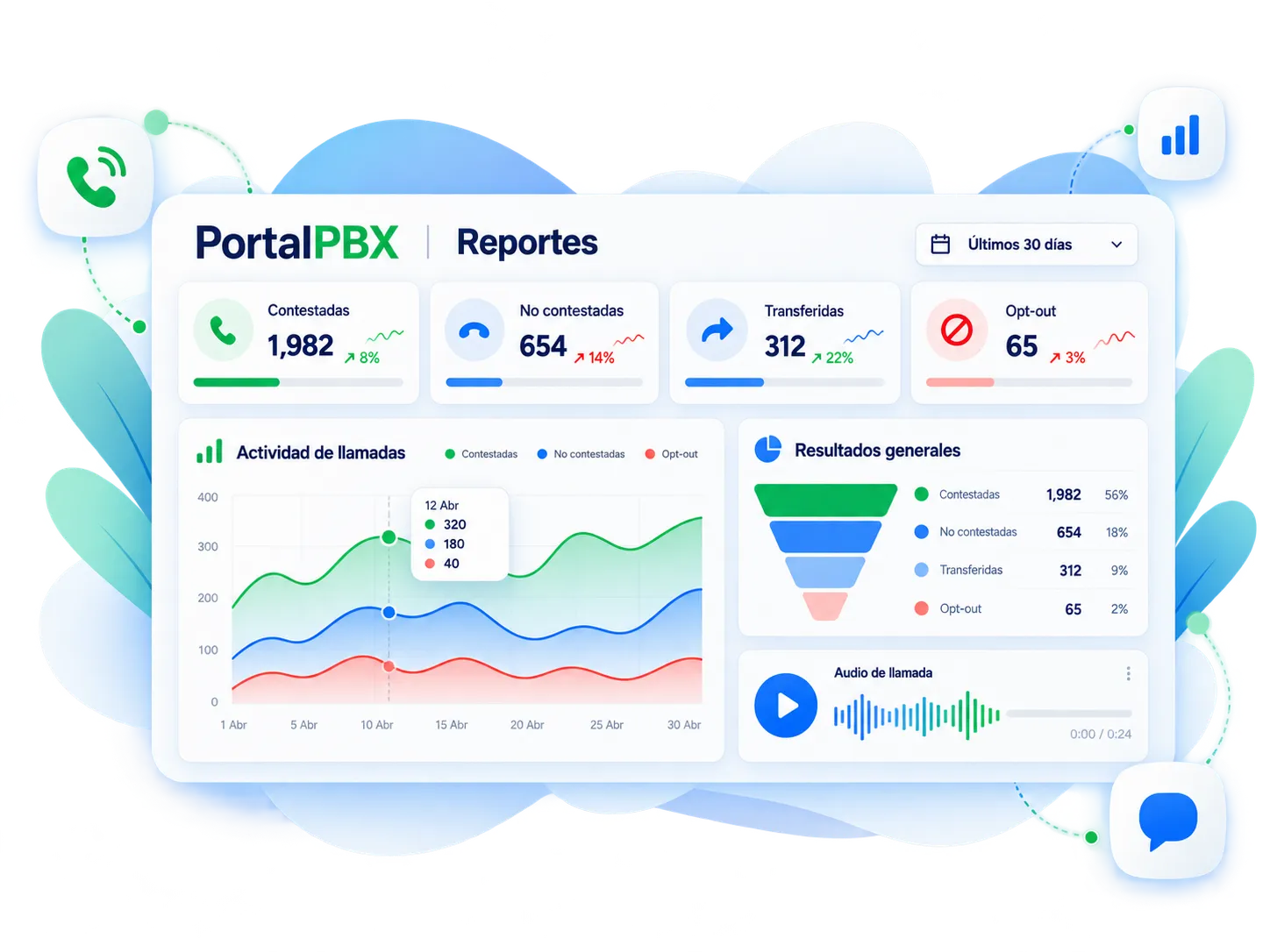
Voice broadcasting reports dashboard in PortalPBX
Illustrative module screens — not client data.

Reports

Know what happened with every call

Each campaign shows answered, unanswered and transferred calls plus opt-outs. Export the detail to your CRM or collections team.

  • Answered and unanswered
  • Transferred to extension or queue
  • Keys pressed and opt-outs
  • Export per campaign

How it’s contracted

Standard module or custom development

Start with the module on your PBX and add integrations when your operation needs them.

Standard module

Voice broadcasting on your PBX

Contracted as an add-on module to your cloud PBX and configured from the platform.

  • Campaigns with recorded audio or text-to-speech
  • Lists, schedules, retries and concurrent calls
  • Keypad options and transfer to an extension, queue or IVR
  • Do-not-call list and opt-out
  • Per-campaign reports and export
  • Uses your PBX trunks and numbers
Get a module quote

Custom

Custom flows and integrations

When your case needs its own logic, we design it and integrate it with your systems.

  • Voice OTP and transactional notices via API
  • Personalized messages with data from your CRM or ERP
  • Collections rules by aging bucket or appointment confirmation in your calendar
  • Results sent back to your system (webhooks)
  • Combined with SMS, voicebot or an agent dialer
  • Scope, timeline and cost in writing
Request custom development

How we work

How we activate it

Clear stages, with a test campaign before going live.

  1. Step 1: Analysis

    Use case, volume, schedules and list sources.

  2. Step 2: Proposal

    Standard or custom module, capacity and cost in writing.

  3. Step 3: Activation

    We set up the module on your PBX and run a test campaign.

  4. Step 4: Follow-up

    We review reports and tune audio, schedules and retries.

Pricing

Pricing based on volume and scope

Cost depends on call volume, destinations and whether you need custom integrations. We send a quote with scope, timeline and cost — no made-up rates on this page.

  • Custom quote
  • Response in under 24 business hours
  • Module or custom project

Related services

Complement your PBX

Services often combined with voice broadcasting.

View all services

Frequently asked questions

Frequently asked questions

Clear answers about the module.

See all questions

The standard module runs on your PortalPBX PBX. If you don’t have one yet, we quote it together with the module; for other scenarios we assess a custom solution.

Yes. You set keypad options (for example, press 1) that send the call to an extension, a queue, an IVR or an external number.

Yes. You can upload recorded audio or generate the message from text; voice and language are set when configuring the campaign.

Yes, as a custom integration: your system requests the call via API and the code is read to the user. We size it by volume and response times.

No. We report what the platform measures; answering depends on the recipient, the list and the time of day.

It depends on volume, destinations, channels and whether it is standard or custom. We send a quote with scope, timeline and cost.

We only work with your own authorized lists, with opt-out and a do-not-call list. Regulatory compliance of each campaign is the list owner’s responsibility.

Shall we add voice broadcasting to your PBX?

Tell us your case —marketing, collections, appointments or OTP— and we’ll propose the standard module or a custom solution.

Cookie settings

Choose what you allow. You can change it anytime from “Cookie settings” in the footer.

Necessary

Site security (Cloudflare), and remembering your theme, currency and this choice. Always on.

When you play a video, YouTube (Google) may store data in your browser and receive your IP address.

Cookie policy